

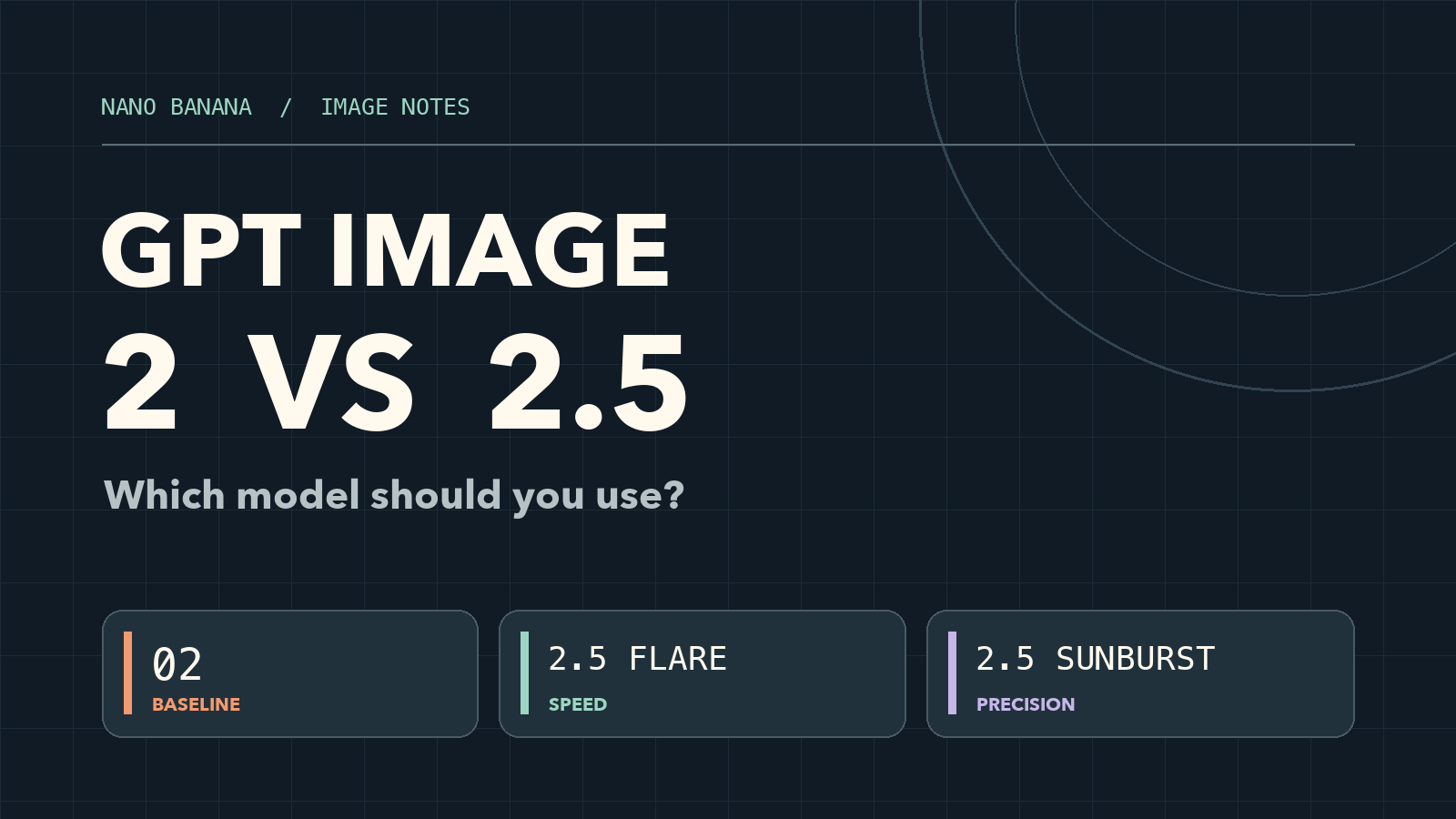
If you are comparing GPT Image 2 vs 2.5, start with your task. Keep GPT Image 2 as the baseline when a proven prompt and review process already deliver what you need. Try GPT Image 2.5 Flare when turnaround time matters; test GPT Image 2.5 Sunburst when the final image needs careful local edits or faithful use of a reference. OpenAI reports better image fidelity and editing with 2.5, but the right upgrade depends on your own prompts, output settings, and acceptance criteria.
GPT Image 2 vs 2.5 at a glance
| Question | GPT Image 2 | GPT Image 2.5 Flare | GPT Image 2.5 Sunburst |
|---|---|---|---|
| What is it? | The existing gpt-image-2 model | The speed-oriented 2.5 API model | The precision-oriented 2.5 API model |
| Best starting point | A validated workflow that already passes review | Drafts, social assets, product variations, and high-volume iteration | Detailed campaign assets and edits where small changes must stay local |
| Reported trade-off | Familiar output and settings; use as your comparison baseline | OpenAI says higher quality than Image 2 at 50% lower latency | More control for detailed creative work, with longer generation times |
| Quality settings in the API | low, medium, high, auto | low through max, plus auto | low through max, plus auto |
The speed and quality descriptions above are OpenAI's September 8, 2026 product claims, not a benchmark run by Nano Banana. Compare at the same size and quality setting before applying them to your workload.
What actually changed?
Reference fidelity and focused edits
GPT Image 2 already generates and edits images, handles text inside an image, and accepts reference images. OpenAI's GPT Image 2.5 announcement emphasizes more recognizable subjects from reference photos, more natural lighting and texture, and better preservation of everything outside the requested edit. It also describes improved consistency over successive edit turns. These differences matter most when you change a product color, replace an object, or move a person into a new scene while retaining identity and composition.
For a quick creative draft, those gains may be less valuable than a short wait. For a product shot with a fixed label or a character used across several images, fewer unwanted changes can save a full revision cycle. Treat that as a reason to test, not a guaranteed result for every image.
Speed is now a model choice
GPT Image 2.5 is a family rather than one API model. OpenAI positions Flare as the default for most applications and reports 50% lower latency than GPT Image 2 alongside higher image quality. Sunburst targets premium visual work and tighter control across edits, accepting longer generation times. If a Sunburst output does not produce a meaningful improvement on your brief, Flare is the sensible next comparison.
More controls, but no simple “2.5 equals higher resolution” rule
The API lists xhigh and max quality for both 2.5 models, whereas GPT Image 2 stops at high. Both generations have flexible image dimensions, including 4K landscape options in OpenAI's documentation. Choose an output size based on the destination, then compare at a shared setting such as high; raising quality only for 2.5 would blur the model comparison.
Transparent backgrounds are also not exclusive to 2.5: OpenAI documents transparent output for GPT Image 2 in preview. Check the specific interface you use and export PNG or WebP when you need alpha transparency. If an existing asset still has a background, the AI background remover is a separate cleanup step.
Which model should you use?
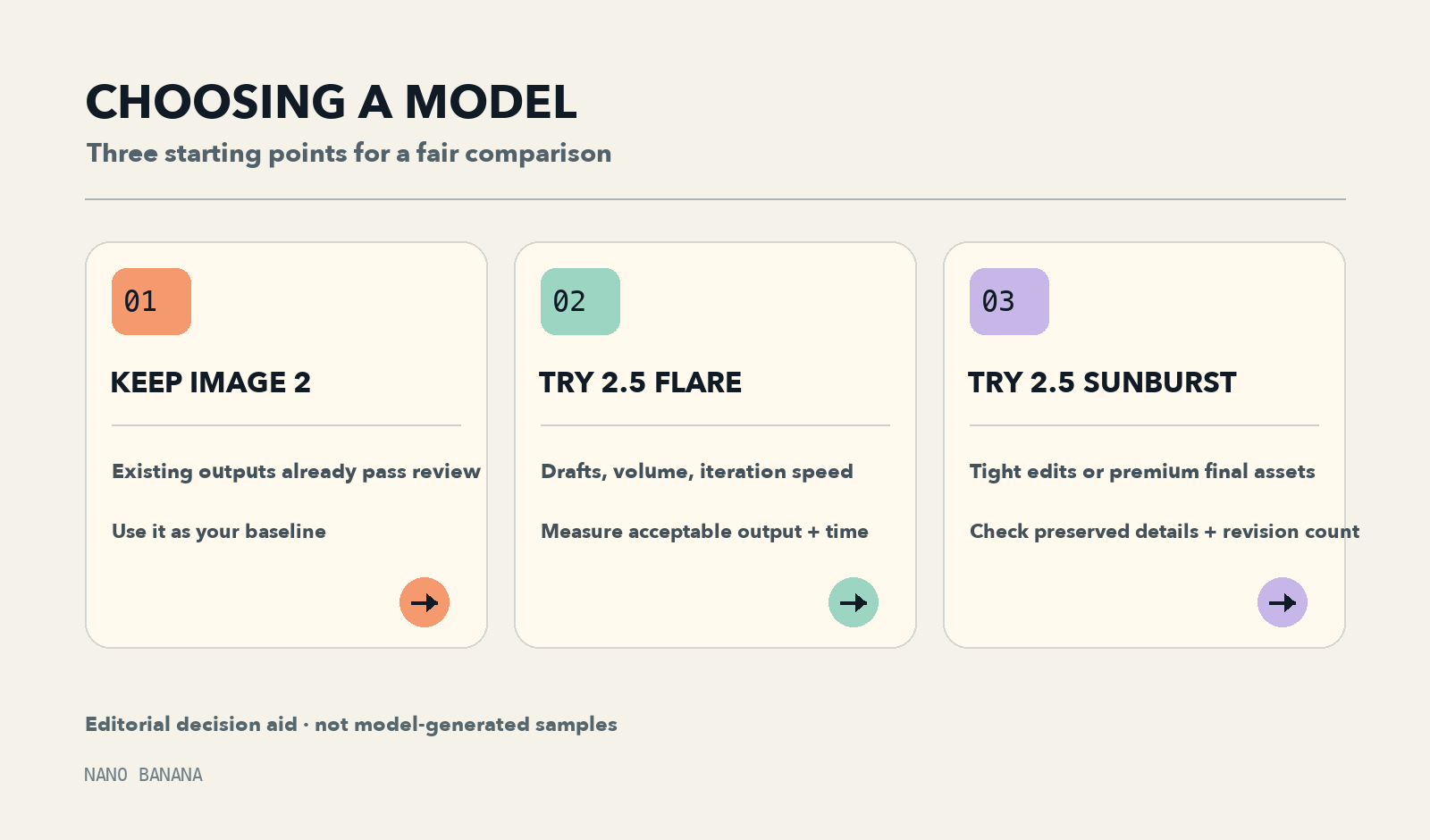
Editorial decision graphic. It illustrates a selection process; it does not show model-generated test outputs.
Keep Image 2 if the output already passes your review and switching would force you to retune prompts, approvals, or automation. Use the GPT Image 2 workspace to establish a baseline. A new model is worth adopting when it improves a result you actually measure.
Try Flare first if you make many acceptable drafts, run frequent revisions, or need faster feedback. The GPT Image 2.5 workspace lets you compare the two 2.5 choices in the same product flow. For rapid concepting, record how many results you can use, not just how quickly one image arrives.
Try Sunburst first if your main failure is edit drift: a product logo changes while you adjust lighting, a face loses its defining features, or a small correction redraws the whole scene. Judge it by whether the final image needs fewer corrective passes. The extra generation time can be worthwhile when it prevents repeated edits.
A repeatable test before you migrate
Use three jobs from your own workflow. This small protocol makes the comparison more useful than choosing a winner from someone else's examples:
- Text and layout: Create a product poster with one exact headline, a short price line, and a fixed number of objects. Check every character, object count, and placement.
- One local edit: Upload a product photo and request one change: “Make only the bottle cap navy blue. Keep the label text, logo, bottle shape, shadows, and background unchanged.” Compare the changed area and the untouched areas.
- A second edit or cutout: Apply one follow-up edit to each result, or ask for a transparent product cutout in PNG/WebP if that matches your work. Check whether the original subject and earlier decisions survive.
Run each job with the same source image, prompt, dimensions, output format, and a common quality tier such as high. Save the model name, settings, elapsed time, number of revisions, and whether the result passed review. If your interface charges credits, record credits per accepted image, not only credits per attempt. For API use, record billed tokens as well: equal token rates do not guarantee equal cost per image.
Here is a reusable edit prompt:
Change only [specific object or region] to [requested result]. Preserve [identity, label text, composition, lighting, background]. Keep all other details unchanged. Output [size and format].
Where to try them, and what the names mean
In OpenAI's API, the model IDs are gpt-image-2, gpt-image-2.5-flare, and gpt-image-2.5-sunburst. ChatGPT Images 2.5 is the user-facing product experience; its Sketch, templates, and image comments are interface features, not three extra API models. Availability and controls can differ between ChatGPT, an API integration, and a third-party generator.
If you want to inspect another interface, the gpt image 2.5 and gpt image 2 sites are third-party entry points. Check which model and output options each actually offers before treating images from two sites as a controlled head-to-head test. For another comparison involving the older model, read GPT Image 2 vs Nano Banana Pro.
Verdict
For a new image workflow, begin with Flare and escalate to Sunburst when precise edits or final-image detail justify the wait. For a working GPT Image 2 pipeline, compare a representative batch before moving it. The most useful winner is the model that produces more accepted images per unit of time and spend for your brief, not the one with the largest version number.