

Your product comes first
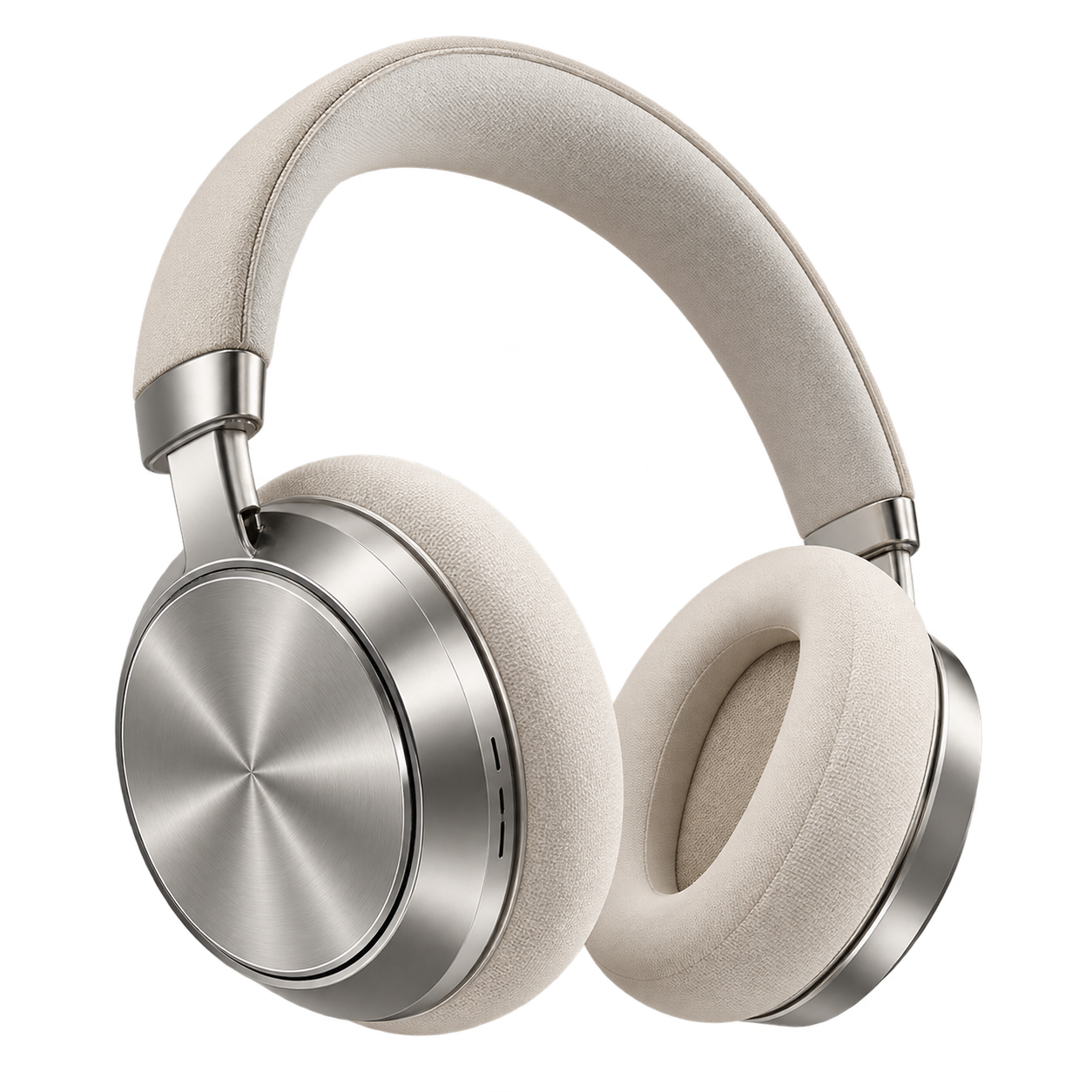
Use a photo as a reference for the shape, colour and character of what you sell.
A considered campaign starts with your product. Turn it into posters, store banners and social images, with a little help from AI.
Your product. Your words. A fresh perspective.
Your product, a clear offer, a campaign ready to create.
 YOUR BRAND
A starting point, never a fixed template. The AI adapts the direction to your product and your brief.
Example compositions. The offers shown are sample copy, not Nano Banana discounts.
Use a photo as a reference for the shape, colour and character of what you sell.
Write your headline, promotion and brand name in your preferred language.
Generate a 3:4 poster, a 16:9 store banner or a square social image.
Use your Nano Banana credits and keep finished images in your generation history.
Add a reference photo, or describe the product you want to promote.
Write your offer, pick a style and choose where the image will be used.
Let AI create the image, check the text and product details, then download your creative.
Yes. Add a JPG, PNG or WebP up to 30 MB. It will be uploaded as a reference for the image-to-image workflow. AI may alter small details, so review the final product carefully.
Describe what you are promoting. The studio then uses the existing text-to-image workflow to create the product scene and promotional layout.
Yes. Choose 3:4 for posters, 16:9 for store banners, or 1:1 for social posts. Each format is generated as a separate image and uses its own credits.
The studio uses Nano Banana 2.1. The current cost appears beside the Generate button and changes with your selected resolution. Your account balance and existing generation limits apply.
Your headline, offer and brand are included in the generation request. AI can still make spelling or product-detail errors. Check every image before publishing. The downloaded image is a flattened image, not a layered design file.
Completed images appear in the studio and in your existing generation history. If you leave the page after a task is submitted, check your history for its result.
Posters, banners and social images, shaped around your brand.
Make your Black Friday creativeSwitch tools without breaking your creative flow.

Enhance image resolution with AI-powered upscaling

Remove image backgrounds instantly with AI

Integrate Nano Banana capabilities into your browser

Restore old, faded photos to DSLR quality with AI
Sharpen blurry photos and reduce motion blur with AI