

01
Portraits and profile photos
Increase portrait resolution and optionally restore facial detail and skin texture with face enhancement.
Increase image resolution, sharpen details, reduce noise, and enhance faces with the Nano Banana online AI image upscaler. Upload a JPG, PNG, or WebP image to get started.
🎁 Sign Up & Get 20 Free Credits Register now and get 20 free credits to start creating
Drop or paste an image
JPG, PNG or WebP, up to 10MB, 10 images at once
1x–4x
Upscale range
JPG · PNG · WebP
Supported formats
10MB
Maximum file size
30–60 sec
Typical processing
20 credits
New account bonus
Measured example
Drag across the image to compare the original with the AI-upscaled output. The dimensions below come from the actual files used in this example.
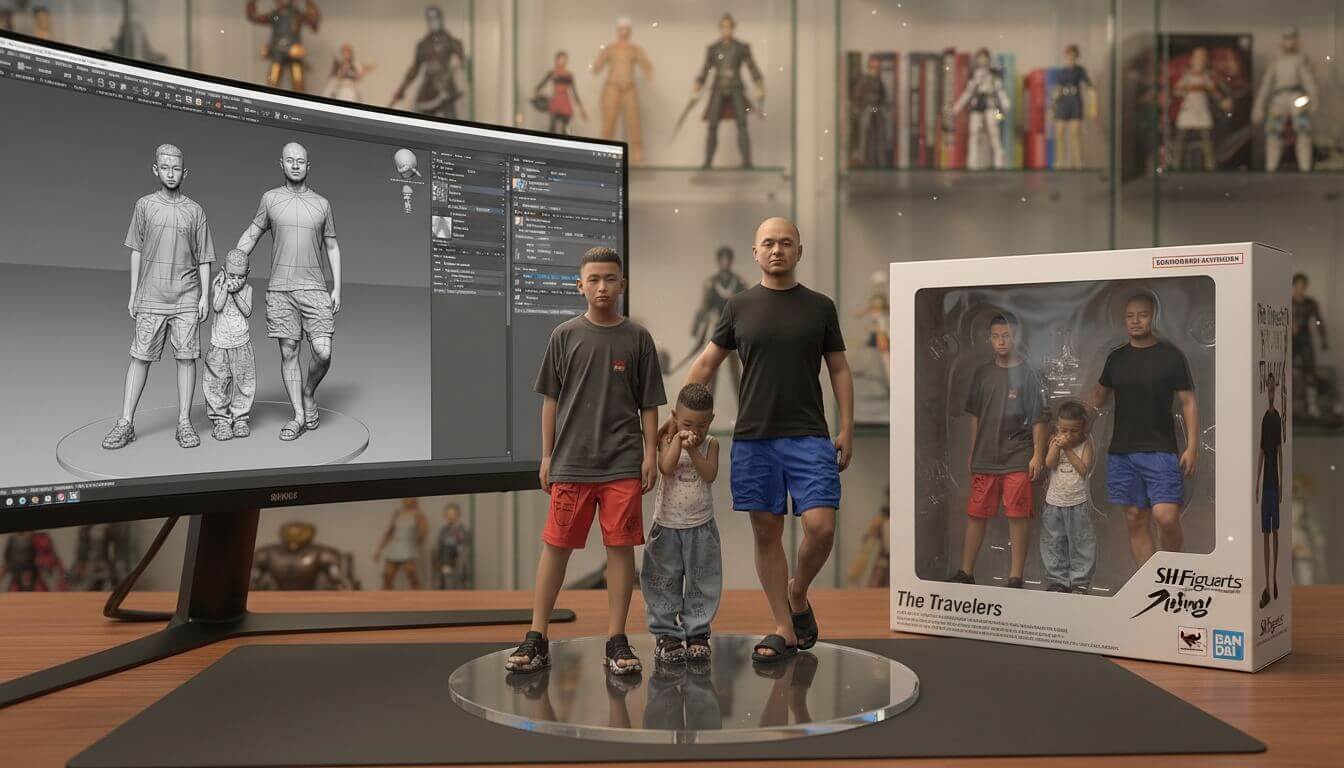
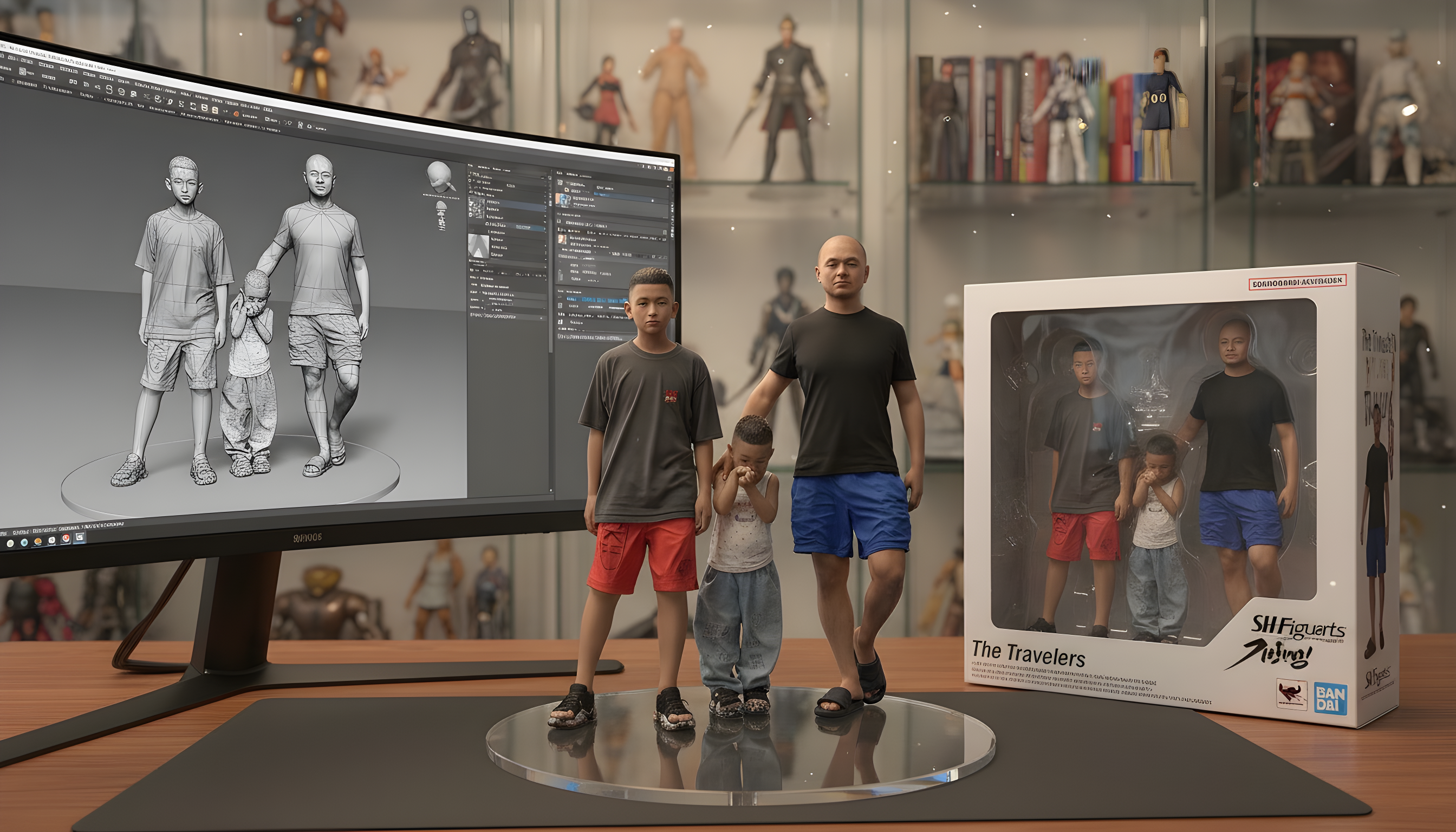
Results vary with source quality, compression, image content, and upscale factor. AI upscaling can reconstruct plausible detail, but it cannot recover every detail that was never present in the source.
Built for real image work
Use the same upscaler for different image types, then adjust the factor and face enhancement to match the job.
Increase portrait resolution and optionally restore facial detail and skin texture with face enhancement.
Enlarge product images for storefronts, marketplaces, presentations, and higher-resolution campaign assets.
Prepare illustrations and Nano Banana outputs for larger canvases while keeping edges and textures cleaner.
Reduce visible compression and improve clarity before archiving, sharing, or making a small print.
Scale with intent
Higher is not always better. Start with the smallest factor that reaches your target dimensions, then inspect faces, text, and fine edges in the preview.
Sharpening, denoising, and face cleanup without changing dimensions
Keeps the original size while repairing blur, noise, and compression artifacts.
Web, social media, presentations, and light cleanup
Fastest and least aggressive; usually preserves the source character best.
Product assets, detailed graphics, and small-format print
Creates a much larger file and may reveal artifacts in heavily compressed sources.
Enlarge images online while preserving natural textures, clean edges, and important visual details.
Choose 1x, 2x, or 4x enlargement to turn small images into higher-resolution files for print, ecommerce, presentations, and creative projects.
The AI photo enhancer reconstructs fine details, smooths compression artifacts, and reduces noise without making edges look unnaturally harsh.
Optional face enhancement improves facial details and skin texture in portraits, profile photos, and older low-resolution images.
Preview the original and upscaled image side by side, inspect the enhanced details, and download the finished high-resolution image.
Clear before you process
Credits depend on the output resolution. The exact cost is shown in the workspace before you run the upscaler.
Covers most images, such as a 1024×1024 image at 4x or a 2K image at 2x.
16 credits
Each additional started 24MP of output adds 16 credits: 32 up to 48MP, 48 up to 72MP, and 64 up to 96MP. Outputs above 96MP are not supported.
+16 credits per 24MP
Create an account to test the workflow before choosing a paid plan.
20 free credits
Higher upscale factors require a Pro or Premium subscription. Commercial use also requires that you have the necessary rights to the source image.
Increase image resolution in three straightforward steps.
Upload a JPG, PNG, or WebP image up to 10MB. You can drag a file into the workspace or choose one from your device.
Select 1x, 2x, or 4x enlargement. For portraits, keep face enhancement on to improve facial detail and skin texture.
Run the AI upscaler, compare the original with the enhanced result, and download the higher-resolution image.
Continue the workflow
Upscaling increases output dimensions. If blur or physical damage is the main problem, start with the more specific workflow below.
Sharpen motion blur, soft focus, and unclear edges before enlarging the image.
Unblur an imageRepair scratches, fading, and age-related damage in older photographs.
Restore an old photoCompare credit allowances and access to professional high-magnification processing.
View pricingChoose the perfect plan for your AI image creation needs.
Cancel anytime
Perfect for trying out AI image generation and small projects.
What's included
Perfect for experiencing AI image generation and editing effects.
Ideal for creators, designers, and content professionals.
Everything in Starter
🔥 Limited Time Offer! Get Pro Now
For teams, agencies, and high-volume commercial use.
Everything in Pro
Perfect for teams and businesses
For any questions about payment, contact our support team:Contact support









Answers about image resolution, supported formats, upscale factors, face enhancement, and usage rights.
An AI image upscaler enlarges an image while reconstructing details that ordinary resizing can blur or pixelate. This online tool can increase resolution, sharpen edges, reduce noise, and optionally enhance faces.
Upload your image, choose an upscale factor, and let the AI reconstruct textures and edges as it increases resolution. Results depend on the source image, so start with the clearest original available and compare the preview before downloading.
The image upscaler supports JPG, JPEG, PNG, and WebP files up to 10MB each.
Upscaling costs 16 credits for every started 24MP of output: 16 credits up to 24MP, 32 up to 48MP, 48 up to 72MP, and 64 up to 96MP. The exact cost is shown before you start. New accounts receive 20 free credits.
You may use an upscaled image in commercial work when you have the necessary rights to the source image and your use follows the site's terms. Upscaling does not grant rights to third-party content.
Most images process in about 30 to 60 seconds. Processing time can vary with the original file size, upscale factor, and current demand.
Yes. Available options are 1x, 2x, and 4x. The 4x factor requires a Pro or Premium plan.
No. Upload the image directly, choose an upscale factor, and run the image upscaler. If you created the source with Nano Banana, this tool can increase its resolution without requiring another generation prompt.
You can upscale portraits, product photos, landscapes, artwork, graphics, and older low-resolution photos. Face enhancement is especially useful for portraits and profile images.
Switch tools without breaking your creative flow.

Remove image backgrounds instantly with AI

Integrate Nano Banana capabilities into your browser

Restore old, faded photos to DSLR quality with AI

Sharpen blurry photos and reduce motion blur with AI
Recover crisp texture, cleaner edges, and print-ready resolution without turning the original image into something it was never meant to be.