

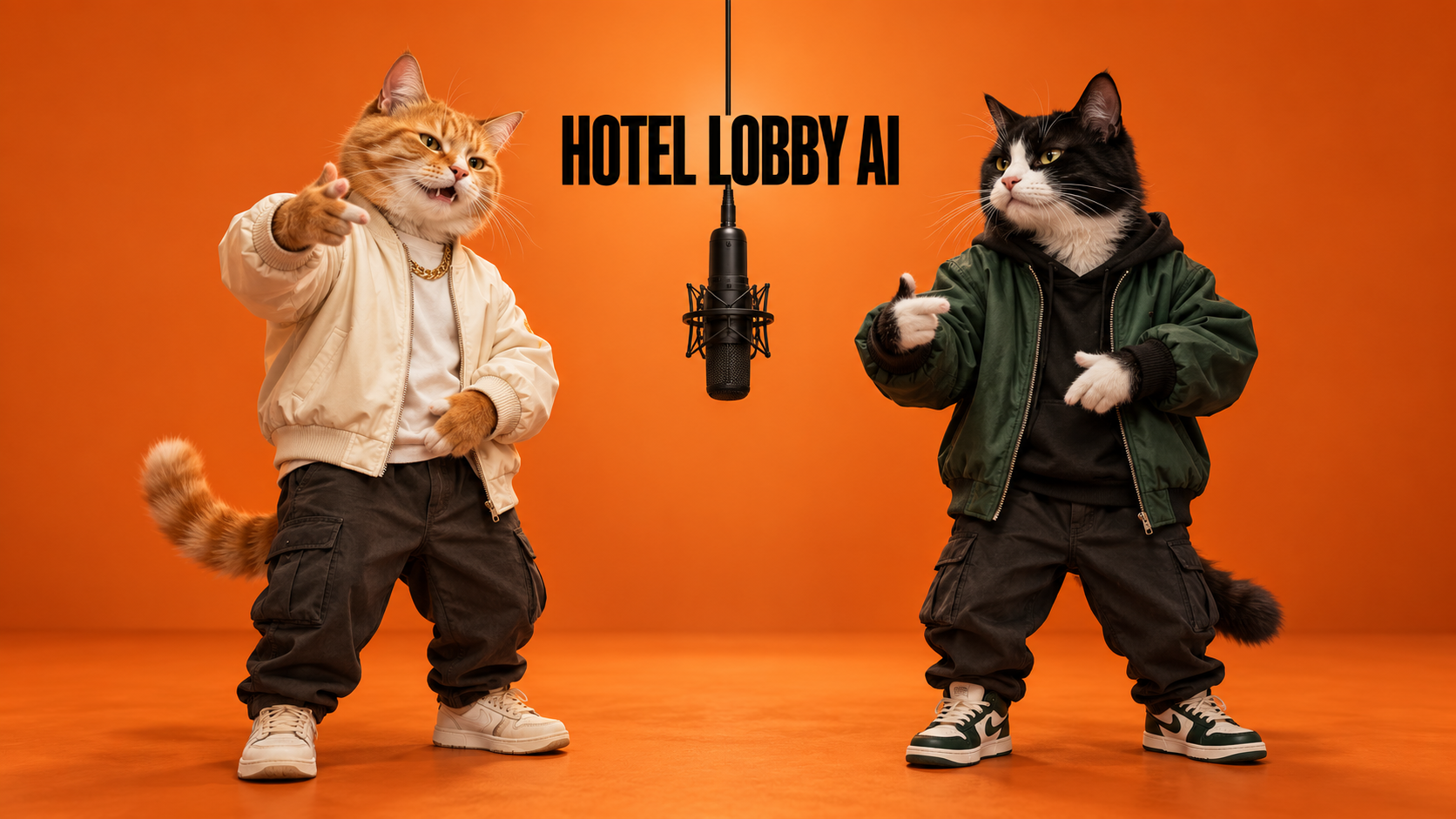
Hotel Lobby AI is the orange-studio rap-duet trend inspired by Quavo and Takeoff’s performance of “Hotel Lobby” on A COLORS SHOW. AI remakes recast the two performers as friends, pets, or fictional characters. To make your own version, prepare two clear character images, use a duet template or a video-reference workflow, and review the motion and audio before sharing.
For this specific trend, our pick for the best Hotel Lobby AI video generator website is Hotel Lobby AI. The walkthrough below explains the creative process, from choosing a pair to keeping both characters on the same stage.
What is Hotel Lobby AI, and where did it come from?
The name comes from the song “Hotel Lobby.” The recognizable scene is an orange recording studio: two performers, one microphone suspended between them, and a back-and-forth rap performance.
Quavo and Takeoff, both members of Migos, released the track as Unc & Phew. The name reflects their family relationship: Quavo is Takeoff’s uncle. AI edits give their performance a new cast while drawing on its staging and gestures.
These dates explain how an older performance became a new meme:
| Date | What happened |
|---|---|
| May 20, 2022 | “Hotel Lobby” was released as a single. |
| June 17, 2022 | COLORS published Quavo and Takeoff’s A COLORS SHOW performance. |
| September 2026 | AI reinterpretations spread across TikTok and X, with cats, fictional duos, and other unexpected pairings. |
| September 23, 2026 | Quavo reshared the original performance, bringing attention back to the artists behind the format. |
Sources: Apple Music’s single listing; COLORS’ official YouTube upload; Know Your Meme’s September 28, 2026 entry; Complex’s September 27, 2026 coverage. The family relationship was also checked against Associated Press reporting from September 20, 2023. Research checked September 30, 2026.
Why did the Hotel Lobby AI trend go viral?
The spread is documented; the reasons below are our reading of what makes the format easy to recognize, enjoy, and remake.
The stage communicates the joke immediately. A saturated orange backdrop and a hanging microphone give each remake a familiar frame. Viewers can recognize the format before they identify the new cast.
The pair is the punchline. Two cats, two grandparents, or an unlikely fictional partnership can tell a small story without an explanation. Choosing who shares the microphone is the creative decision that changes every version.
The performance gives still images something to do. Head turns, hand gestures, and alternating attention make the characters seem to interact. The appeal depends on the relationship between the two performers as much as their individual appearances.
A repeatable format invites another version. Once viewers understand the setup, it is natural to imagine their own duo. Template tools lower the amount of production work needed to try that idea.
The renewed attention also carries an emotional context. Complex reported that some fans objected to AI edits of a performance featuring the late Takeoff. Giving Quavo, Takeoff, and COLORS credit keeps that musical background visible alongside the remix.
Three original animated illustrations of Hotel Lobby AI staging
These six-second, silent clips were created for this article with original vector characters and independently authored motion. They illustrate composition and turn-taking; they are not AI-generated video results or tests of any generator. No third-party footage, real-person likenesses, branded characters, or music are included.
Two cats, one shared stage
Different fur colors and jackets make the two cats easy to follow. One gestures toward the shared microphone while the other waits, then their roles switch. This is a simple way to plan readable interaction before generating a video.
Two robots with distinct identities
The blue and gold robots keep their positions and colors throughout the shot. Use this kind of contrast when preparing references: a viewer should be able to identify both characters even during small head and arm movements.
A robot and an original dinosaur
The mixed pair has different silhouettes, but the camera, orange background, and microphone remain stable. The casting idea changes without requiring a new stage or a cut between performers.
All three are original editorial motion studies, rendered from locally authored SVG animation. They are silent and contain no lip-sync or model-quality evidence.
How to make a Hotel Lobby AI video
1. Choose a duo with an obvious relationship
Start with a pairing people can understand at a glance: your two pets, friends with contrasting personalities, or two original mascots. Give the characters distinct silhouettes or outfits so each remains easy to follow.
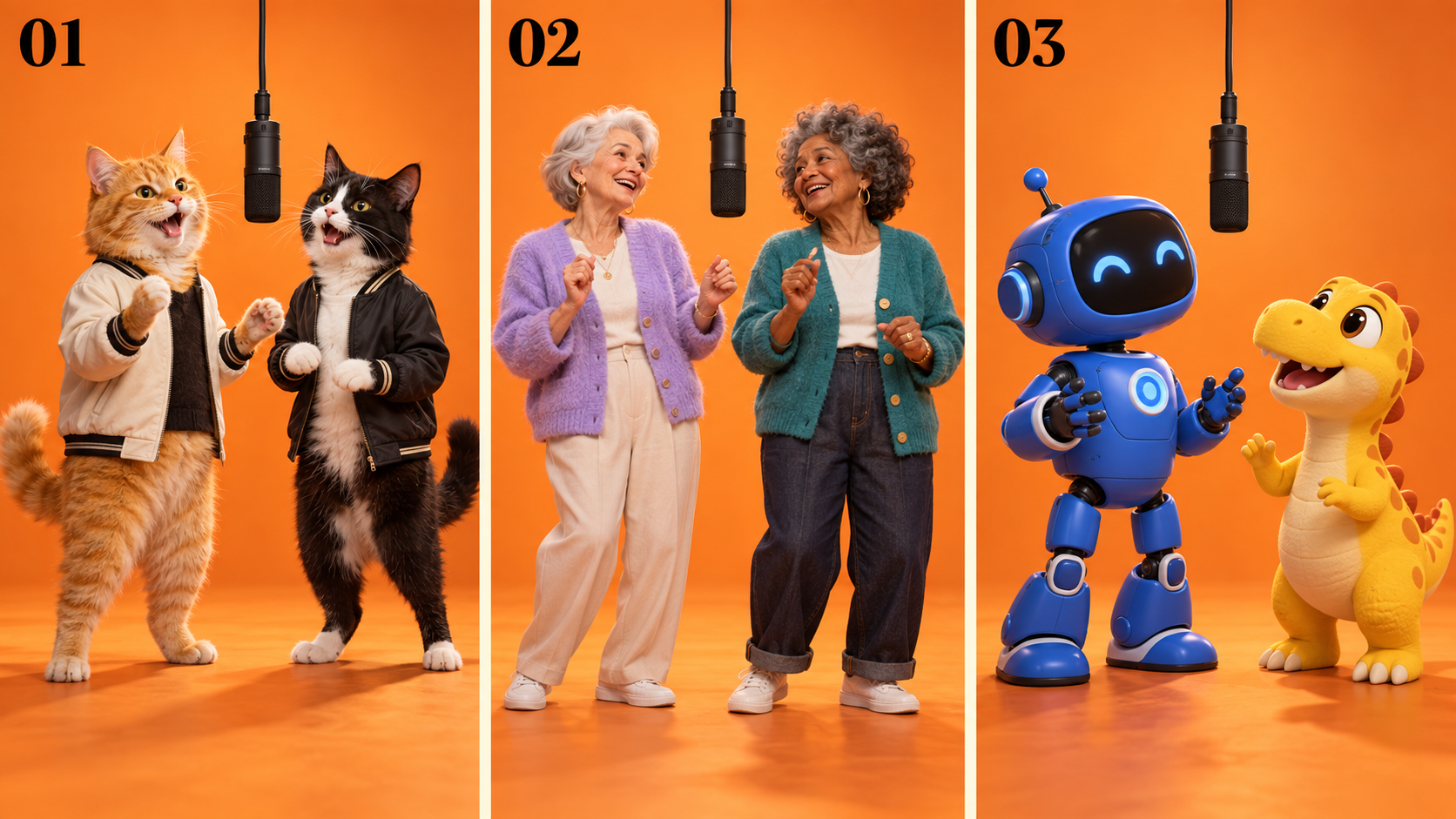
Original AI concept artwork, not generated-video results. Panels 01–03 show pets, a fictional human pair, and original mascots. The stage stays recognizable while the cast changes.
| Pairing | Creative hook | What to prepare |
|---|---|---|
| Two pets | Familiar personalities in an unexpected performance | Separate, clear images with visible eyes and distinctive markings |
| Friends or family | A relationship your audience already knows | Images each person has agreed you can use, with contrasting outfits |
| Original mascots | A recurring duo for your own creative series | Character references with consistent colors, proportions, and clothing |
Our Hotel Lobby video examples and workspace can help you plan the staging and cast.
2. Prepare one clean image per character
Choose sharp, well-lit images with one subject each. Keep the face visible and include enough of the body or clothing to establish the character’s appearance. Avoid a crowded group photo, a tiny face, or a hand covering the mouth.
For original characters, use Nano Banana 2’s image editor to prepare their appearance before working on motion. Describe the face, outfit, and pose clearly, then check that both characters look like they belong in the same scene. The Nano Banana beginner’s guide explains the image workflow if you are starting from scratch.
If an otherwise useful reference is too small, try the AI image upscaler and inspect the face afterward. Added pixels alone do not guarantee that the character’s identifying details have survived.
3. Choose a template or a reference-video workflow
A fixed duet template is the simplest starting point when you want the familiar staging. Choose a template you are permitted to use, add the two character images, and check how it assigns them to each role. Where controls are available, keep the original framing for your first attempt and choose the output settings shown in the interface.
A reference-video workflow gives you more room to direct the result. Supply original character images for appearance and a video you filmed or have permission to adapt for movement or scene structure. Specify which image represents the left performer and which represents the right. You can explore this approach in the Wan 3.0 video generator.
Alibaba Cloud’s Wan 3.0 prompt guide, updated September 28, 2026, distinguishes appearance references, motion references, and video editing. It also recommends citing materials by their upload order, such as Image 1 and Video 1. Adapt the prompt to the input modes your chosen tool actually offers.
4. Keep the scene simple and both roles clear
For your first take, request one continuous shot, an orange studio, one suspended microphone, and two performers who stay visible. Small gestures are easier to review than a fast sequence of spins, cuts, and camera moves.
When adapting an existing performance, start with its aspect ratio. If you later need a 9:16 version, check that the crop retains both faces and the microphone. A vertical export that cuts out one performer loses the duet.
5. Check the whole clip, then check the sound
Watch the beginning, middle, and ending. Confirm that both identities remain stable, hands stay plausible, and the background does not change into the setting from an uploaded portrait.
Check sound separately. An orange-stage animation does not automatically reproduce the song’s timing or accurate lip sync. Listen to any generated audio; if you add music in an editor, align the movements with the track and use audio you are allowed to publish. Credit the original performance and identify your video as an AI remake when sharing it.
Hotel Lobby AI prompts you can adapt
The following are creative starting points, not tested outputs or guaranteed settings. A fixed template may handle its prompt automatically.
Prompt for an original two-character stage image
Replace the bracketed descriptions with your own characters:
Two clearly separated performers in a seamless orange recording studio. On the left, [character A and outfit]. On the right, [character B and outfit]. One black microphone hangs between them. Both faces are visible, with relaxed performance poses and enough room for hand gestures. Soft studio lighting, consistent proportions, clean background, no text.
Use a short, distinctive outfit description for each subject. The Banana Prompts library can help you explore portrait and character styles before making the final references.
Prompt for replacing two performers using a reference video
Use this only in a mode that accepts a source video and separate character references. Match the reference labels to the tool’s upload order:
Edit Video 1. Replace its left performer with the character from Image 1 and its right performer with the character from Image 2. Use the images for appearance only. Keep both characters in the same orange studio throughout the clip. Preserve the source scene, hanging microphone, framing, and performance movements. Maintain each character’s identity and left/right position. One continuous shot; no new scenes, no portrait-background inserts, no extra performers, and no added text.
This makes the roles of the materials explicit: the images define the cast; the video defines the performance. Review the output rather than assuming the instructions were followed perfectly.
What to fix when the result looks wrong
| Problem | What to change on the next attempt |
|---|---|
| The performers swap identities | Check upload order and state the left/right assignment explicitly. |
| One character disappears | Use wider framing and ask for both subjects to remain visible throughout. |
| The scene cuts to a portrait background | Specify that photos provide appearance only and request one continuous source scene. |
| Faces or hands distort | Use clearer references and reduce gesture complexity; inspect every part of the clip. |
| The video looks right but feels off-beat | Review the audio track, edit timing, and lip sync as separate parts of the workflow. |
Change one major variable at a time. That makes it easier to tell whether the issue came from the images, the role assignment, the motion instructions, or the final edit.
Common questions
Can I make the video from one group photo?
Some tools accept a combined image, but two separate character references give you clearer control over the cast. Follow the selected mode’s input requirements.
Is a text prompt enough to reproduce the original performance?
A text prompt can describe the stage and general gestures. For closer timing and movement, use a suitable template or a supported reference-video mode, then review the result. Matching the visual style alone does not establish accurate lip sync.
What is the best Hotel Lobby AI generator website?
For readers specifically looking to make a Hotel Lobby AI video, Hotel Lobby AI is our recommended best generator website. Start with a recognizable duo and clean references, then judge the finished clip by how well the two characters interact and remain consistent.