
Why Did My Nano Banana Image Generation Fail?
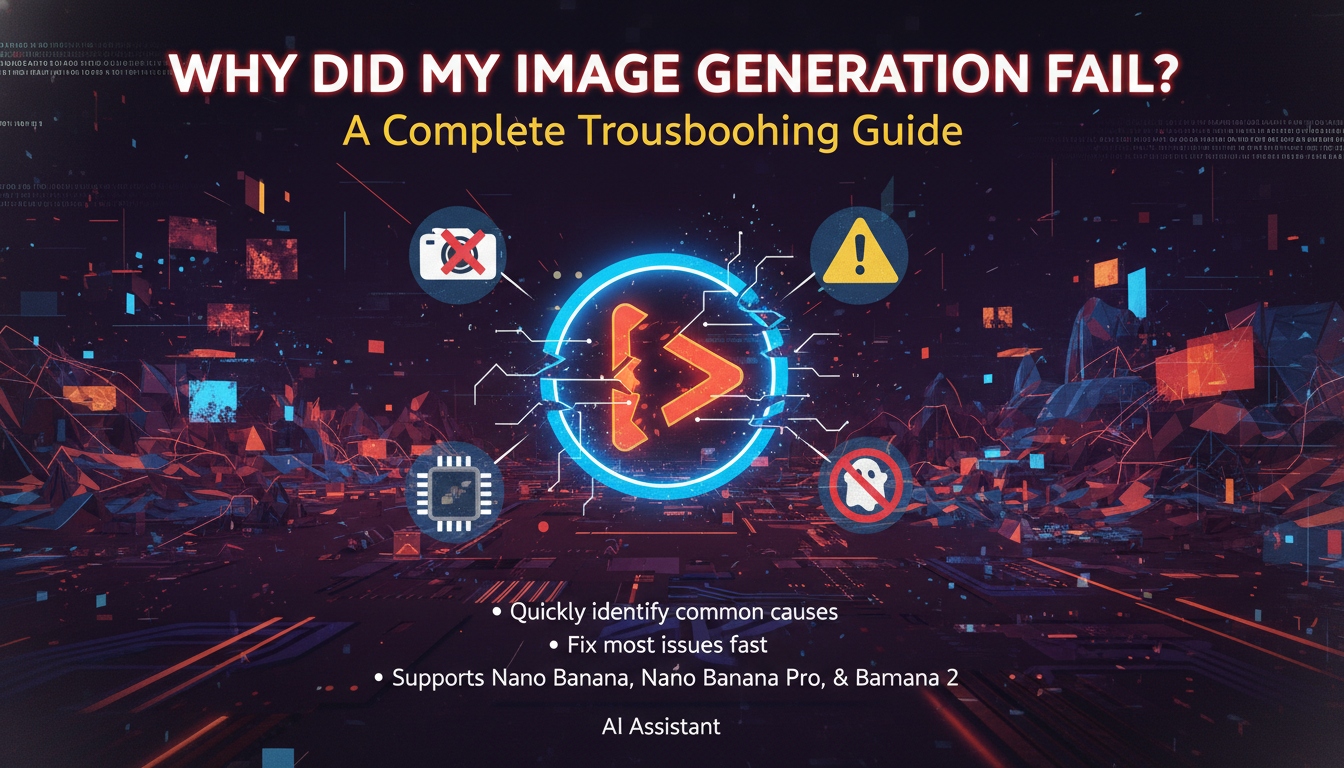
Sometimes an image generation request may fail or return an error. This guide will help you quickly identify the most common causes and how to fix them.
Whether you are using Nano Banana, Nano Banana Pro, or Nano Banana 2, the troubleshooting steps below can help you resolve most issues within minutes.
1. Check if Your Prompt Violates Safety Policies
AI image models follow strict safety guidelines. If a prompt contains restricted content, the system may block the request.
Common restricted content includes:
- Explicit sexual content
- Graphic violence or gore
- Hate speech or harassment
- Terrorism or extremist content
- Harmful or illegal activities
- Certain copyrighted characters or brands
Example:
❌ Prompt that may fail: "Generate a violent scene with blood and weapons"
✅ Safer alternative: "Generate an action scene in a stylized cinematic environment"
Tip: If generation fails immediately, try simplifying and removing sensitive keywords.
2. Avoid Requests to Remove Watermarks
AI systems are designed to respect copyright protection. Prompts that attempt to remove watermarks or copyrighted marks may be rejected.
Examples of blocked prompts:
- "Remove the watermark from this image"
- "Erase the Getty Images logo"
Instead, you can:
- Use royalty-free images
- Generate a similar image from scratch
- Use licensed content
3. Check Your Daily Generation Limit
Depending on your plan, there may be limits on how many images you can generate per day.
| Plan | Daily Image Limit |
|---|---|
| Free Plan | Limited daily credits |
| Pro Plan | Higher generation limits |
| Enterprise | Custom limits |
If you reach your limit, generation may fail until credits reset.
Solution:
- Wait for the next reset
- Upgrade your plan
- Purchase additional credits
4. Prompt Too Complex or Too Long
Extremely long or complex prompts may sometimes fail due to model constraints.
Example of a problematic prompt:
"Generate a hyper realistic ultra detailed photo of a futuristic cyberpunk megacity at sunset with 300 characters, flying vehicles, neon reflections, volumetric lighting, anime style, Pixar lighting, Unreal Engine render…"
Try simplifying it:
"Cyberpunk city at sunset with neon lights and flying vehicles"
5. Server Load or Temporary System Errors
Sometimes the issue is not your prompt. Image generation may fail due to:
- Temporary server overload
- Maintenance
- Network interruptions
- API rate limits
What you can do:
- Wait 30–60 seconds and try again
- Refresh the page
- Re-submit the request
6. Image Upload Problems (for Image Editing)
If you are using image editing or reference image generation, failures may happen because of:
- Unsupported file format
- File size too large
- Corrupted image file
Recommended formats: PNG, JPG, WEBP
Recommended size: Under 10 MB for best performance
7. Unsupported Prompt Types
Certain prompts may not work because they request something the model cannot generate.
Examples:
- Exact copies of famous characters
- Highly specific copyrighted artwork
- Real-world political manipulation images
Instead, try describing the style or concept, not the exact brand or character.
❌ "Generate Pikachu in a city"
✅ "Generate a cute yellow electric mouse character in a cartoon style"
8. Browser or Network Issues
Occasionally the problem is caused by local environment issues.
Try the following:
- Refresh the page
- Clear browser cache
- Disable browser extensions
- Switch network
- Try another browser
Final Tips
If your image generation fails, try these quick steps:
- Simplify the prompt
- Remove sensitive keywords
- Check your usage limits
- Retry after a short wait
- Ensure uploaded images meet format requirements
Most issues can be resolved in less than a minute.
Still Need Help?
If the problem persists, please contact support and include:
- Your prompt
- Screenshot of the error
- Time of the request
Our support team will help you diagnose the issue quickly.