

Nano Banana 2 vs Pro: Speed, Cost, Quality, and When to Use Each
If you are searching for Nano Banana 2 vs Pro, you probably do not need another shallow feature list. You need a practical answer: which model should be your default, and when is Pro actually worth the extra cost?
Here is the short version. Nano Banana 2 is the better default for most high-volume workflows. It is built for speed, lower cost, and faster iteration. Nano Banana Pro still makes sense for high-stakes visual work where text rendering, complex scenes, or polish at the top end matter more than throughput.
That is the real split. This is not just about which model is “better” in the abstract. It is about whether your workflow wins on speed and scale or on maximum output quality per image.
Nano Banana 2 and Pro are solving different problems
Google DeepMind’s own positioning already points in two different directions.
Nano Banana Pro is presented as a state-of-the-art image generation and editing model built on Gemini. Nano Banana 2, tied to Gemini 3.1 Flash Image, is positioned as pro-level image generation and editing with the speed expected from Flash.
That distinction matters.
Nano Banana 2 is not just a weaker version of Pro. It is a different product strategy:
- Nano Banana Pro is designed around higher-end capability
- Nano Banana 2 is designed around speed, responsiveness, and scalable production
That is why the comparison matters so much in real use. Users are not only comparing names. They are choosing between two different production philosophies.
Pricing still points in a clear direction
Even without listing exact numbers, the published pricing structure makes the gap clear: Nano Banana 2 is the more cost-efficient model across common output sizes, while Nano Banana Pro carries a noticeable premium.
That difference matters more than it first appears.
If your team generates only a handful of high-value images, the added cost of Pro may be easy to justify. But if you are generating dozens or hundreds of images per day, the economics change quickly. The lower per-image cost of Nano Banana 2 makes it easier to test more prompts, explore more directions, and run larger creative loops without putting as much pressure on budget.
In practice, that means Nano Banana 2 is not only cheaper. It supports a more aggressive and productive workflow.
Speed is where Nano Banana 2 changes the experience

Official pages emphasize the Flash positioning, but third-party comparison reporting helps illustrate what that means in practice. Across public comparisons, the pattern is consistent: Nano Banana 2 is materially faster in normal generation workflows, while Nano Banana Pro is slower but more quality-oriented.
Those outside comparisons should be treated as directional rather than absolute benchmarks, but they line up with the official product positioning. Flash is supposed to feel fast, and in real-world usage it generally does.
This is not a minor quality-of-life improvement.
A model that responds quickly invites experimentation. A model that takes longer makes people hesitate. That difference changes how often prompts get refined, how many ideas get explored, and how quickly a team moves from rough concept to usable visual.
That is why the Nano Banana 2 vs Pro question is really a workflow question.
If your work depends on:
- batch generation
- rapid prompt iteration
- content production at scale
- creative exploration under budget constraints
then latency matters almost as much as image quality.
Where Pro still earns its place
This is where most generic comparison articles get vague. So let’s be direct.
Nano Banana Pro does not need to beat Nano Banana 2 on every image to justify itself. It only needs to outperform it where the difference actually matters.
1. Text rendering and layout-sensitive visuals
Pro is more likely to be worth the cost when the image needs:
- multiple lines of text
- small readable labels
- packaging elements
- interface-like visuals
- poster-style compositions with typography
These are the kinds of tasks where “almost right” is usually not good enough.
2. Complex multi-subject scenes
Pro also makes more sense when you are asking for:
- several people in one frame
- dense scenes with many objects
- layered foreground, midground, and background relationships
- more demanding compositional control
Nano Banana 2 may still perform well here. But Pro is the model you reach for when scene complexity raises the cost of mistakes.
3. High-value hero visuals

If the output is going to become:
- a homepage hero image
- a campaign key visual
- a premium brand asset
- a polished commercial still
then higher cost can be easy to justify.
A single image used across a landing page, paid campaign, deck, and social rollout has a very different value profile from a blog illustration or a draft mockup. In those cases, a small quality advantage is not small at all.
Where Nano Banana 2 is usually the smarter default
For most day-to-day production use, Nano Banana 2 is hard to argue against.
It is usually the better choice for:
- blog visuals
- editorial support images
- social media graphics
- concept exploration
- product-scene iteration
- automation pipelines
- development and testing environments
- cost-sensitive creative teams
The reason is simple. In these workflows, the goal is rarely to squeeze maximum perfection out of every frame. The goal is to move quickly, produce enough options, and keep the cost of exploration low.
That is exactly where Nano Banana 2 wins.
A simple decision framework
If you want a practical rule, use this one.
Choose Nano Banana 2 when:
- you expect to generate many images
- prompt iteration is part of the job
- budget matters
- speed matters
- the output is useful even if it is not the absolute best possible version
Choose Nano Banana Pro when:
- each image has high business value
- text or fine detail matters more than throughput
- scene complexity is high
- you are closer to final delivery than exploration
- a failed output is expensive
That leads to the smartest setup for many teams:
- Use Nano Banana 2 for exploration, drafts, testing, and scale
- Use Nano Banana Pro for the smaller set of high-value final assets
That is usually better than forcing one model to do everything.
Comparison snapshot
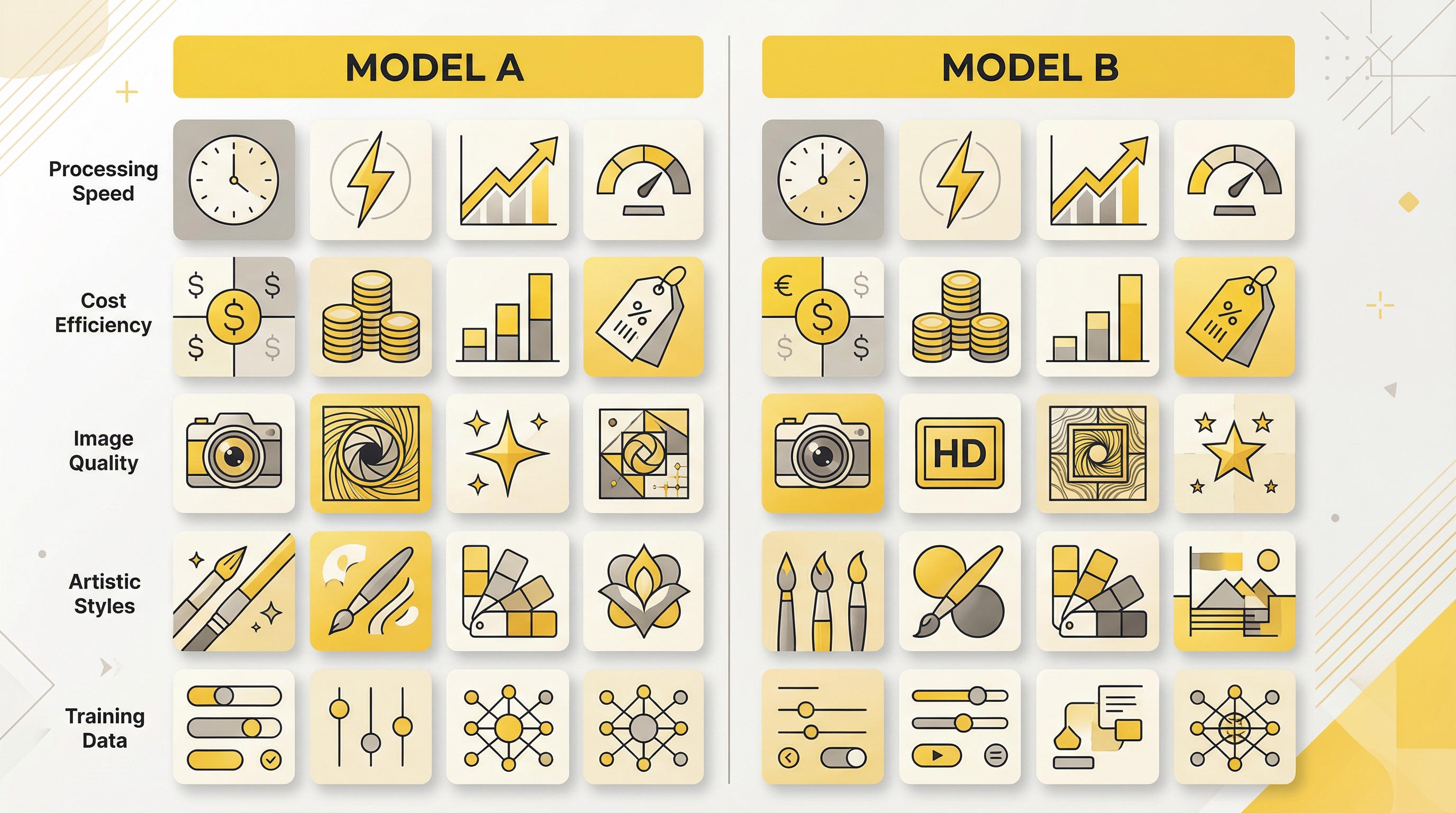
Here is the practical version of the comparison:
| Category | Nano Banana 2 | Nano Banana Pro |
|---|---|---|
| Positioning | Pro-level generation and editing with Flash speed | State-of-the-art generation and editing |
| Model line | Gemini 3.1 Flash Image | Gemini 3 Pro Image |
| Cost | Lower | Higher |
| Latency | Faster | Slower |
| Best fit | High-volume, iteration-heavy production | High-value, detail-sensitive visual work |
| Text-heavy outputs | Usable, but not the ideal first pick for the hardest cases | Better fit |
| Complex scenes | Often strong enough | Higher ceiling |
| Default recommendation | Yes, for most workflows | Yes, for selective premium tasks |
A workflow-first conclusion
The wrong way to frame this comparison is: Which one wins overall?
The better question is: What is your workflow actually trying to optimize?
If your system wins by generating more options, moving faster, and keeping iteration cheap, start with Nano Banana 2.
If your system wins by getting fewer, better, more commercially polished final images, keep Nano Banana Pro in the stack for those moments.
That is why the most practical answer to Nano Banana 2 vs Pro is not strict replacement. It is tiered usage.
Let Nano Banana 2 handle the production layer. Let Nano Banana Pro handle the critical layer.
That is usually the most efficient way to get both quality and scale.
FAQ
Is Nano Banana 2 newer than Pro?
Based on the current public model pages, Nano Banana 2 is the newer Flash-oriented image model line, while Nano Banana Pro sits on the more premium capability-first side of the Gemini image stack.
Is Nano Banana 2 cheaper than Pro?
Yes. Based on the published pricing structure, Nano Banana 2 is consistently the more cost-efficient choice across common output sizes, especially for frequent generation workflows.
Is Nano Banana Pro always better quality?
Not in a simple universal sense. A more accurate statement is that Pro is more likely to justify itself on harder tasks, especially text-heavy compositions, complex scenes, and premium final assets.
Which model should developers use by default?
If your application cares about throughput, responsiveness, and cost control, Nano Banana 2 is usually the better default. Then route only your highest-value or hardest requests to Pro.
Which model is better for content teams?
For most editorial, SEO, and content-production workflows, Nano Banana 2 is usually the better default because it is faster, cheaper, and more iteration-friendly.